How the CAD works
One FiveM call, from the 911 queue to the court record
Most CAD pages list modules. This one follows a single traffic stop that turns into an arrest, and shows which screen each person uses at each step and what the CAD does with what they enter.
1. The call comes in
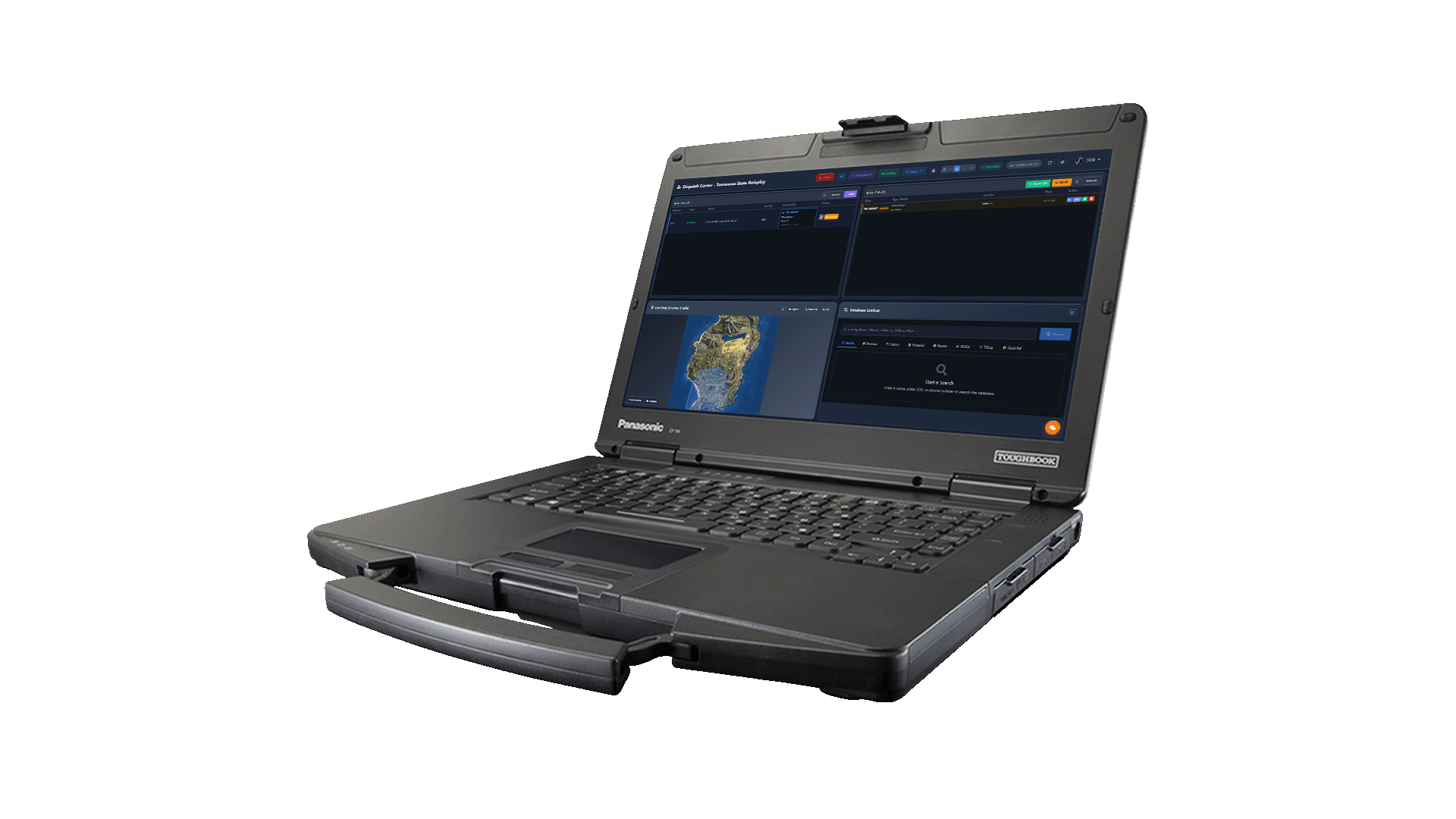
A player dials 911 in game, through the cad-911 resource or from lb-phone, and the call lands in the dispatch queue with the caller's location and nearest postal. An officer's panic button opens a call the same way. A dispatcher can also create one by hand from the console.
2. Dispatch prioritises and assigns
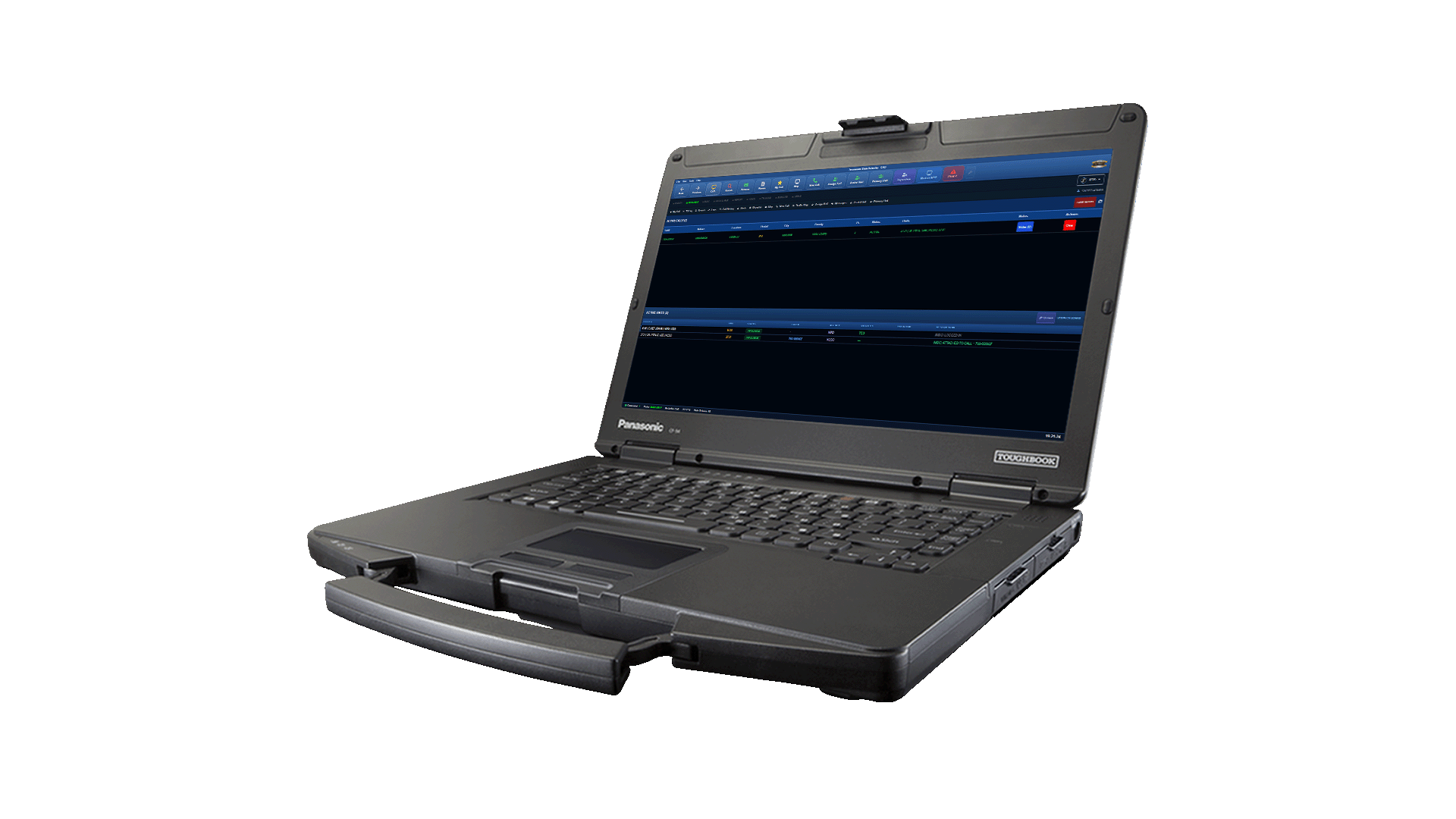
Every call carries one of your community's own call types and a priority. The dispatcher adds notes and attaches units in one click. When nobody is on the console, the AI dispatcher can attach the nearest available unit and read the assignment out over the radio.
3. Units move on the live map
Each unit shows on the live map from its in-game position, coloured by status, with the call pinned beside it. A status change made from the MDT, the in-game tablet or a Stream Deck key reaches the dispatch board without anyone refreshing.
4. The officer runs the stop from the MDT
A plate or name lookup returns the registration, the licence and its status, prior records, and any warrant or BOLO against the person or vehicle, flagged on the return. The in-car plate reader checks passing plates against the same records.
5. The report is written from the call
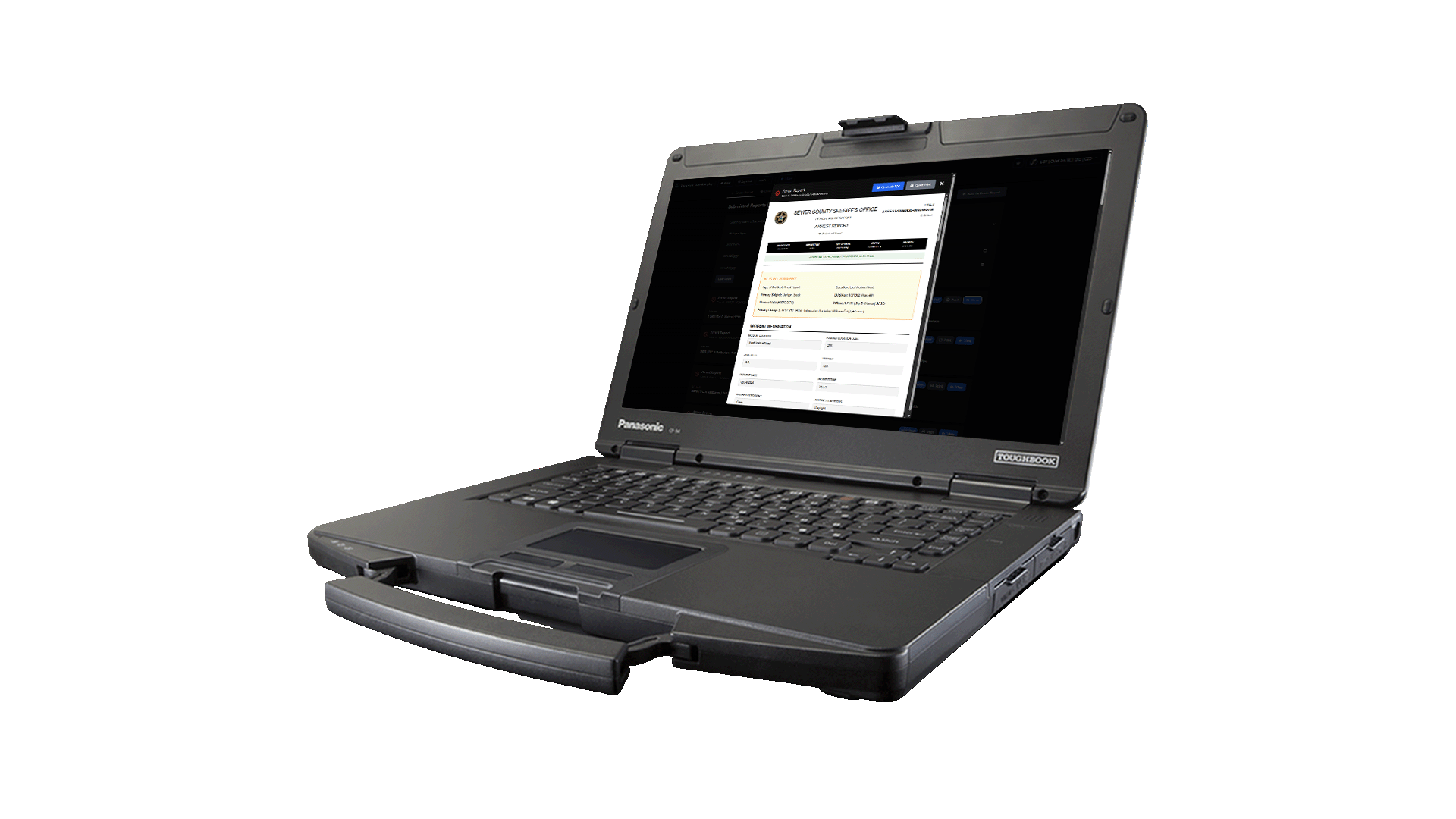
The arrest or incident report starts from the call, so the time, location and units are already filled in. Charges come from your community's penal code, with its fines and licence points, and a supervisor can review the report before it is filed.
6. The case goes to court and stays on file
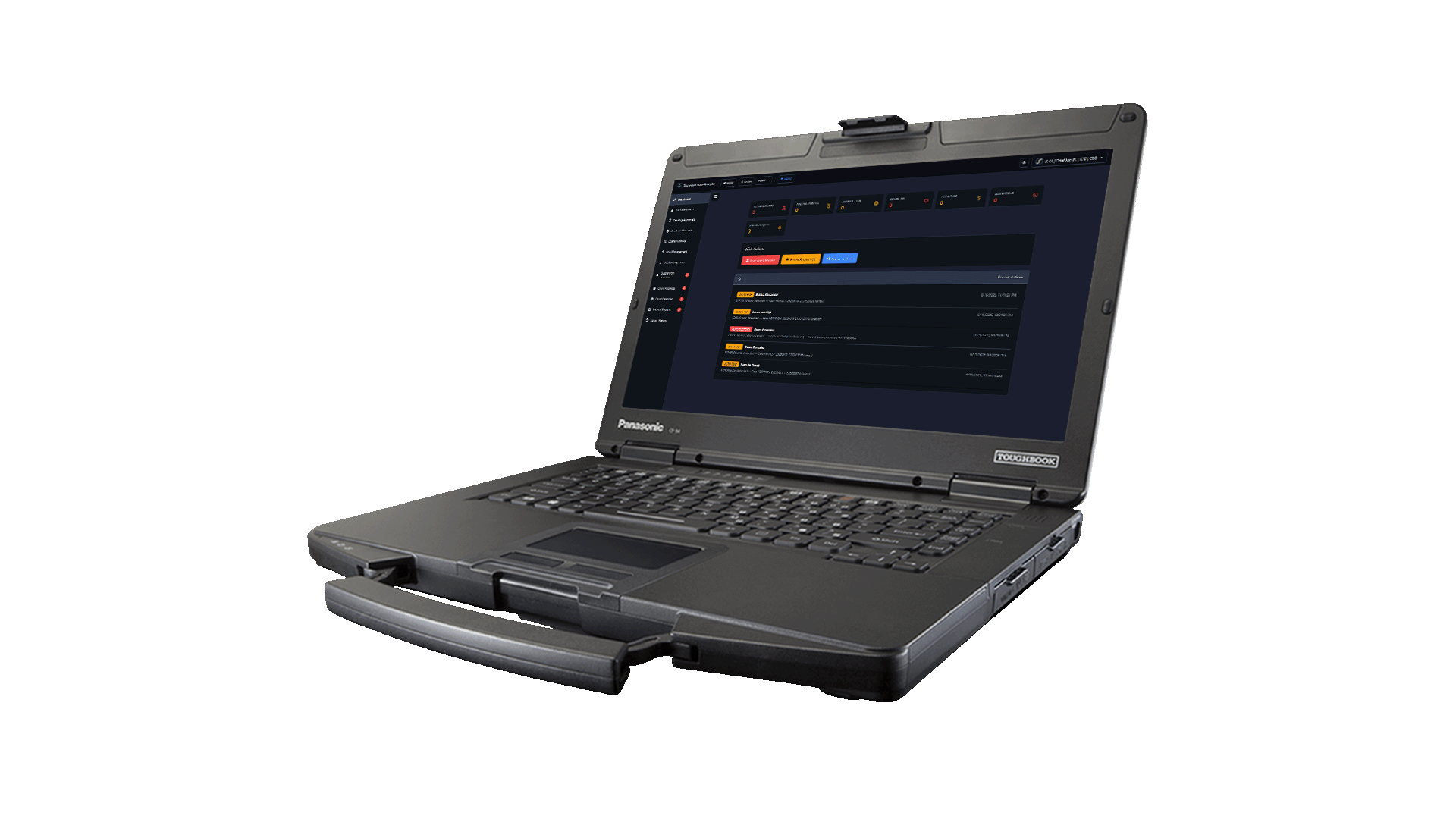
Charges and the report attach to the person's record. Judicial staff schedule the hearing, approve or issue warrants and record the ruling, fine or sentence against that same record. A warrant issued from the bench appears on every MDT and on the dispatch board straight away.
Every step is in one plan
Dispatch, the MDTs, records and the judicial panel are not add-ons. $24.99 a month, or $14.58 a month on a two-year term, with unlimited users. See pricing.
Looking for the overview instead? What a FiveM CAD is, or every module.